Your second brain,
in the cloud.
A powerful, Obsidian-inspired knowledge management platform. Write in Markdown, connect ideas with wiki links, visualize your knowledge graph, and ask AI questions about your notes — all from your browser.
Everything you need to build your knowledge base
Powerful tools that work together seamlessly, so you can focus on what matters — your ideas.
Markdown Editor
A powerful editor with live preview, syntax highlighting, and auto-save. Write naturally in Markdown and see your formatting come alive instantly.
Wiki Links & Backlinks
Connect your ideas with [[wiki links]]. See every note that references the current one. Rename a note and watch every link update automatically.
Knowledge Graph
Visualize how your notes connect with an interactive, force-directed graph. Discover hidden relationships and navigate your knowledge visually.
AI Chat & Edit Mode
Ask questions about your notes and get answers grounded in your vault. Switch to edit mode to let AI modify or create notes with a diff preview before applying.
Vault Sharing
Share vaults with your team. Invite collaborators by email with Owner, Editor, or Viewer roles. Real-time collaboration with permission-gated controls.
Real-Time Sync
Your notes sync instantly across all your devices. Every change is persisted in real time. No manual saving, no sync conflicts, ever.
See it in action
Real screenshots from the app. No mockups, no placeholders.
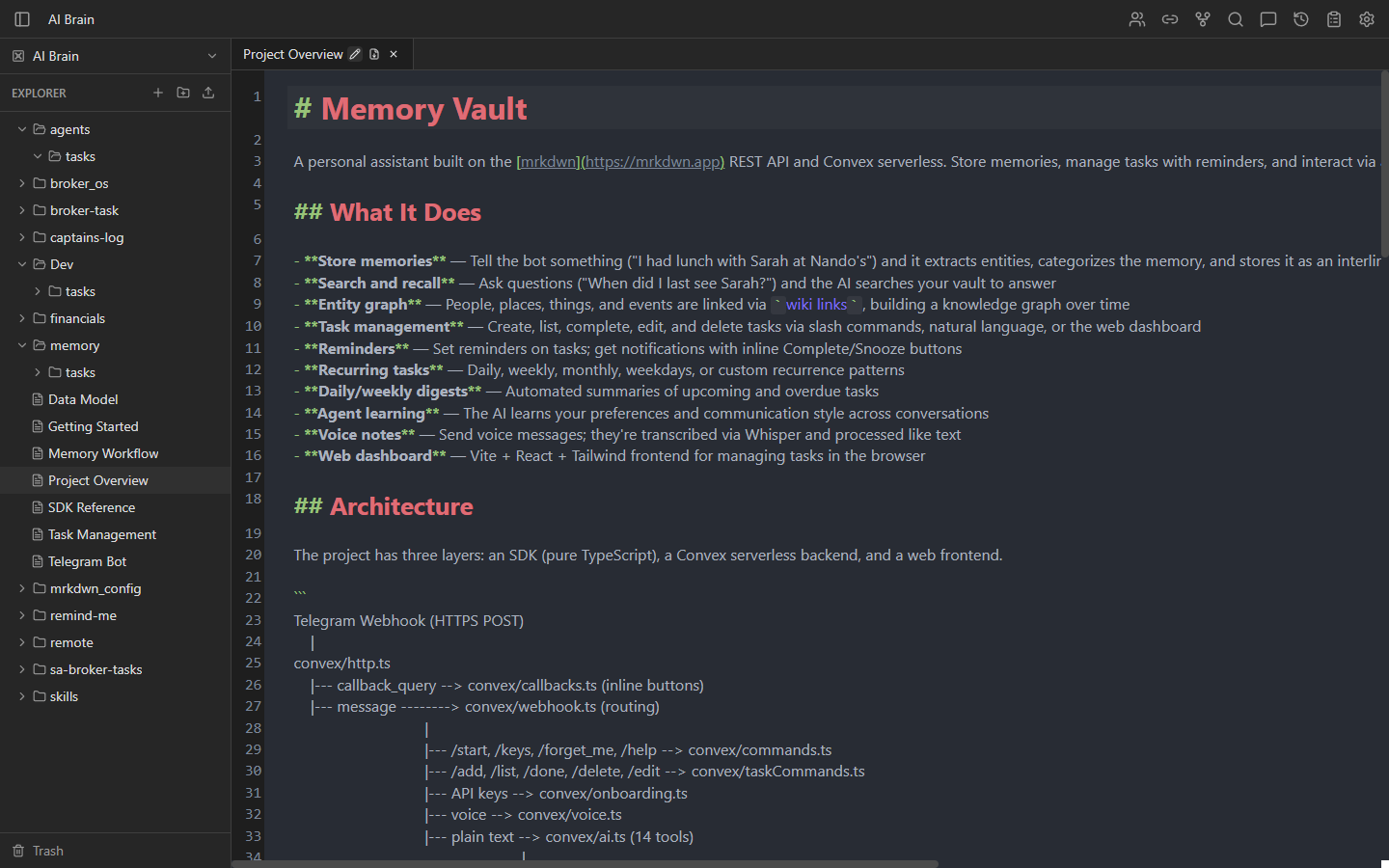
Write with power and clarity
Full CodeMirror 6 editor with syntax highlighting, inline preview decorations, and auto-save. Headings, bold, italic, code blocks, task lists, and tags all render inline. Toggle between edit and preview mode per tab.
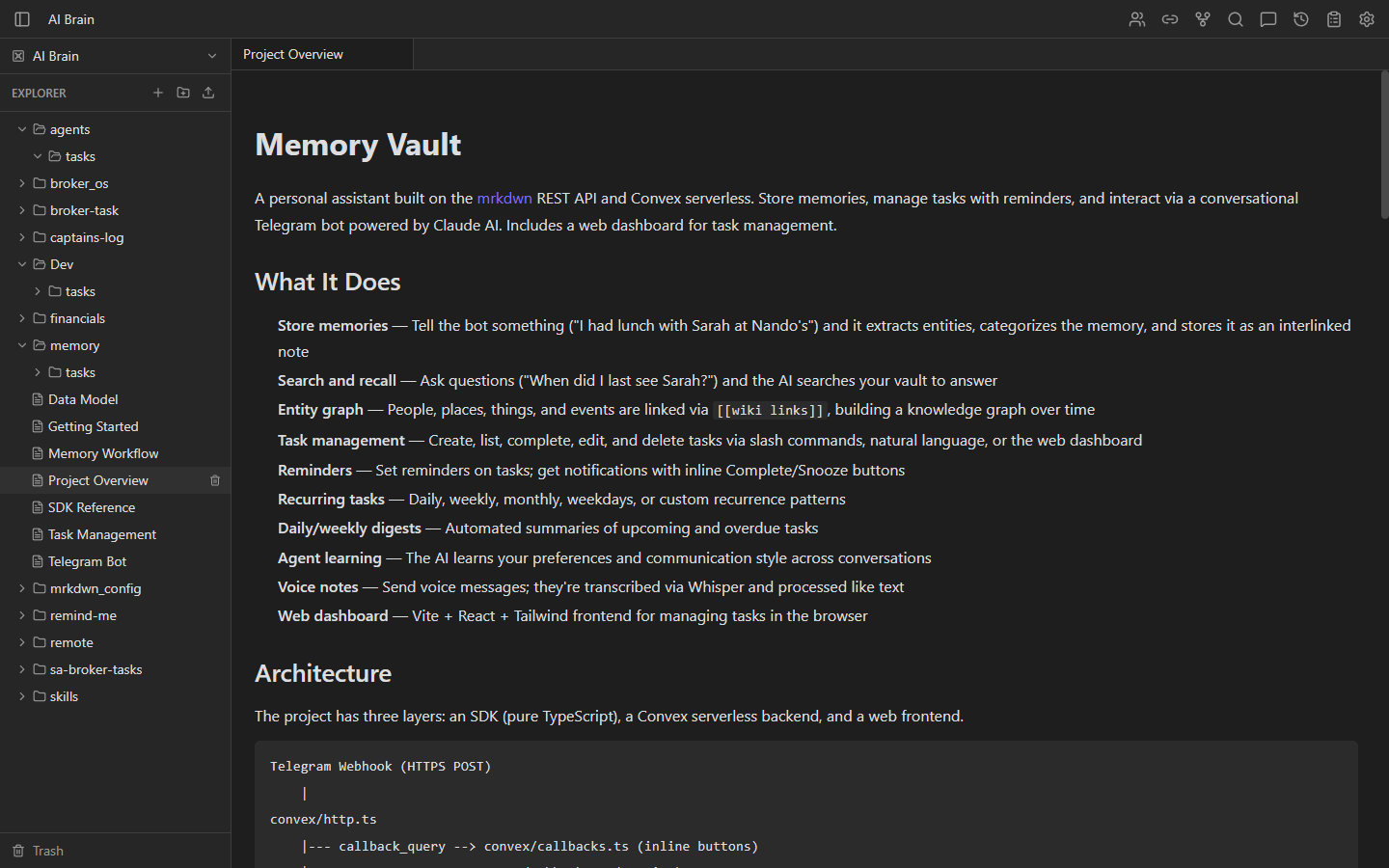
Beautiful rendered markdown
Notes open in read-only preview by default with rendered markdown, clickable wiki links, and styled code blocks. Double-click or press Ctrl+E to switch to edit mode. Each tab remembers its own mode.
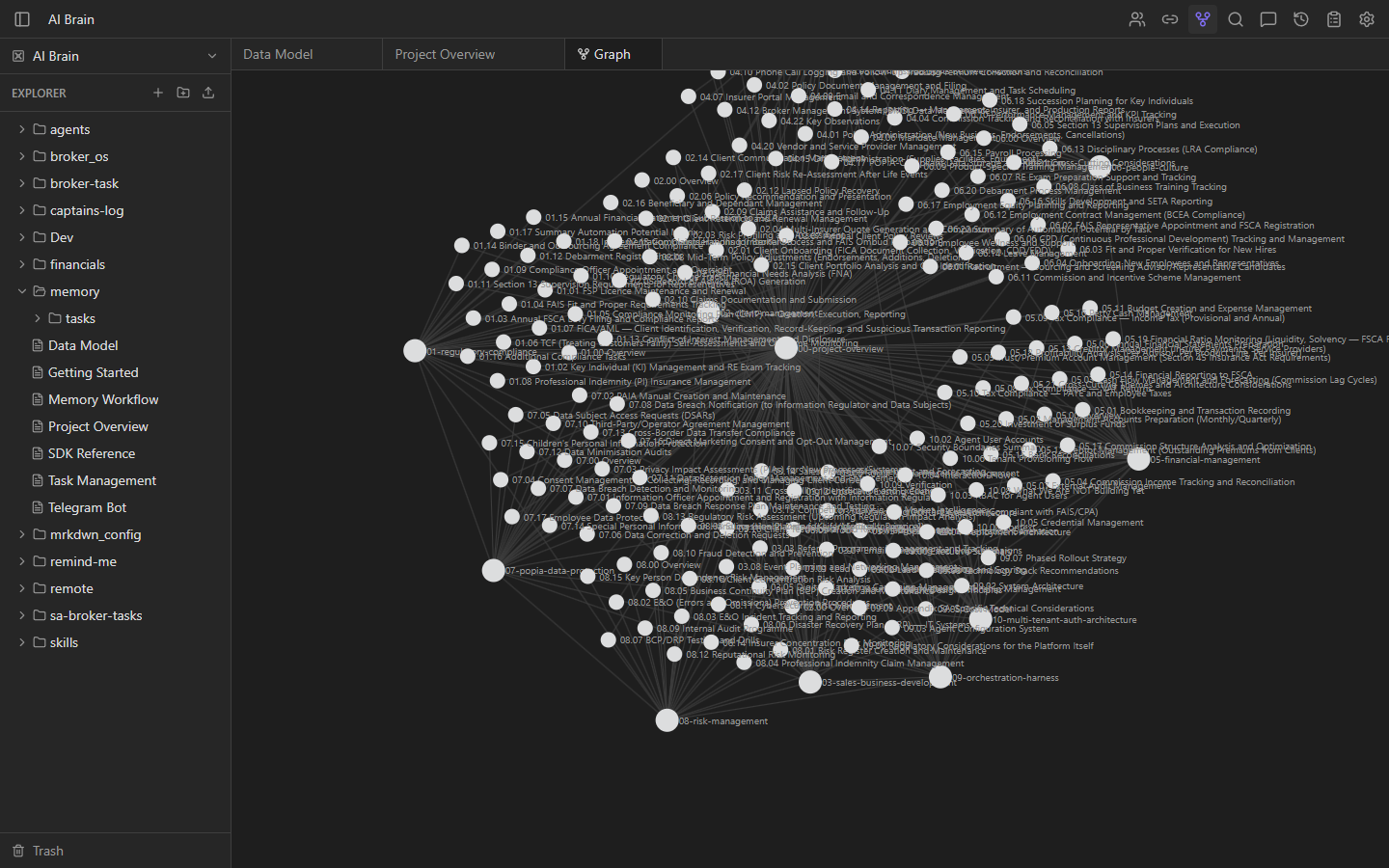
See how your ideas connect
Interactive force-directed graph showing all notes and their wiki link connections. Click any node to open that note. The more connected a note, the larger it appears. Your active note glows in purple.
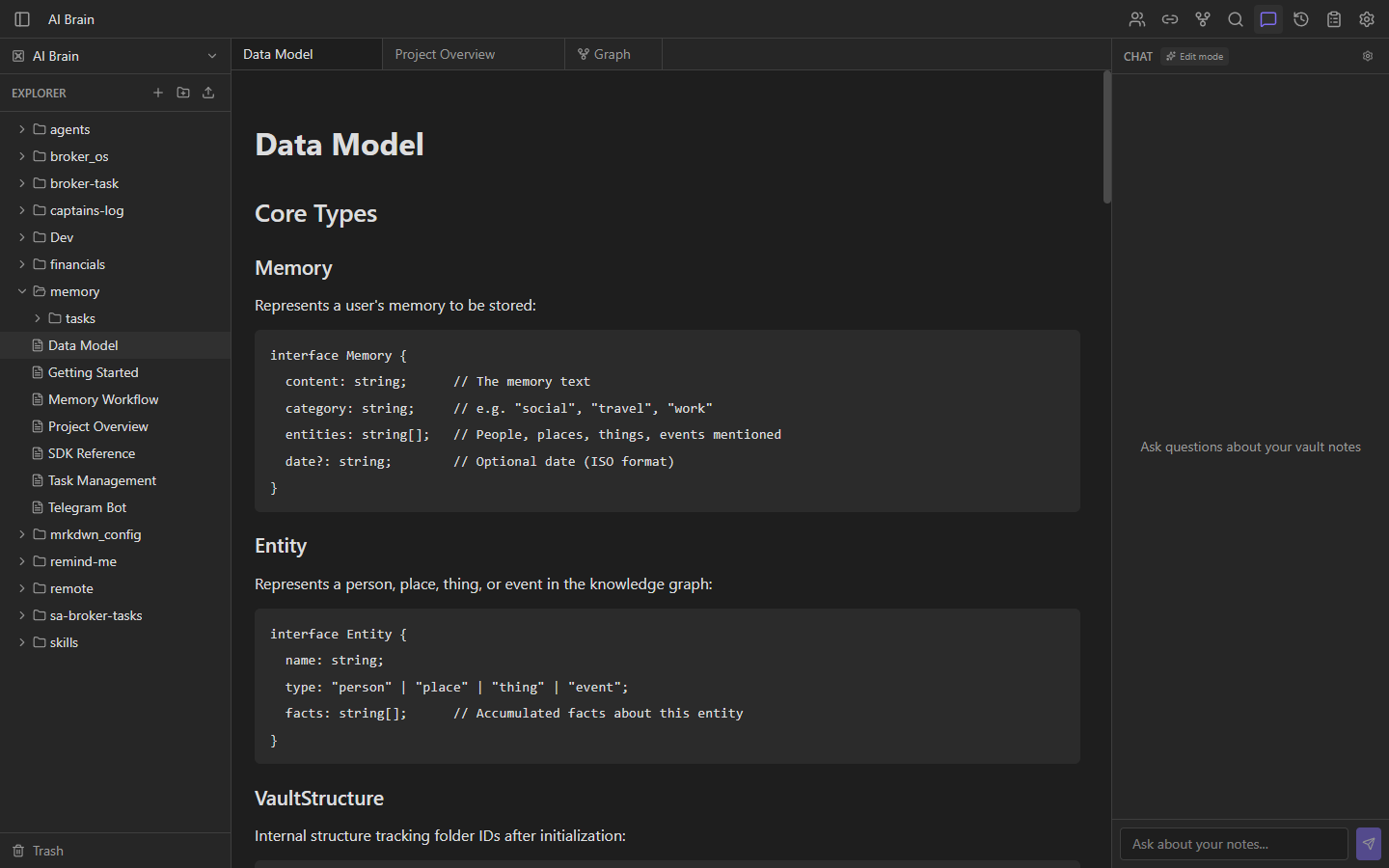
Ask your notes anything
Chat with Claude about your vault. Get answers grounded in your own notes with wiki link citations you can click. Switch to edit mode to let AI modify notes with a diff preview before applying changes.
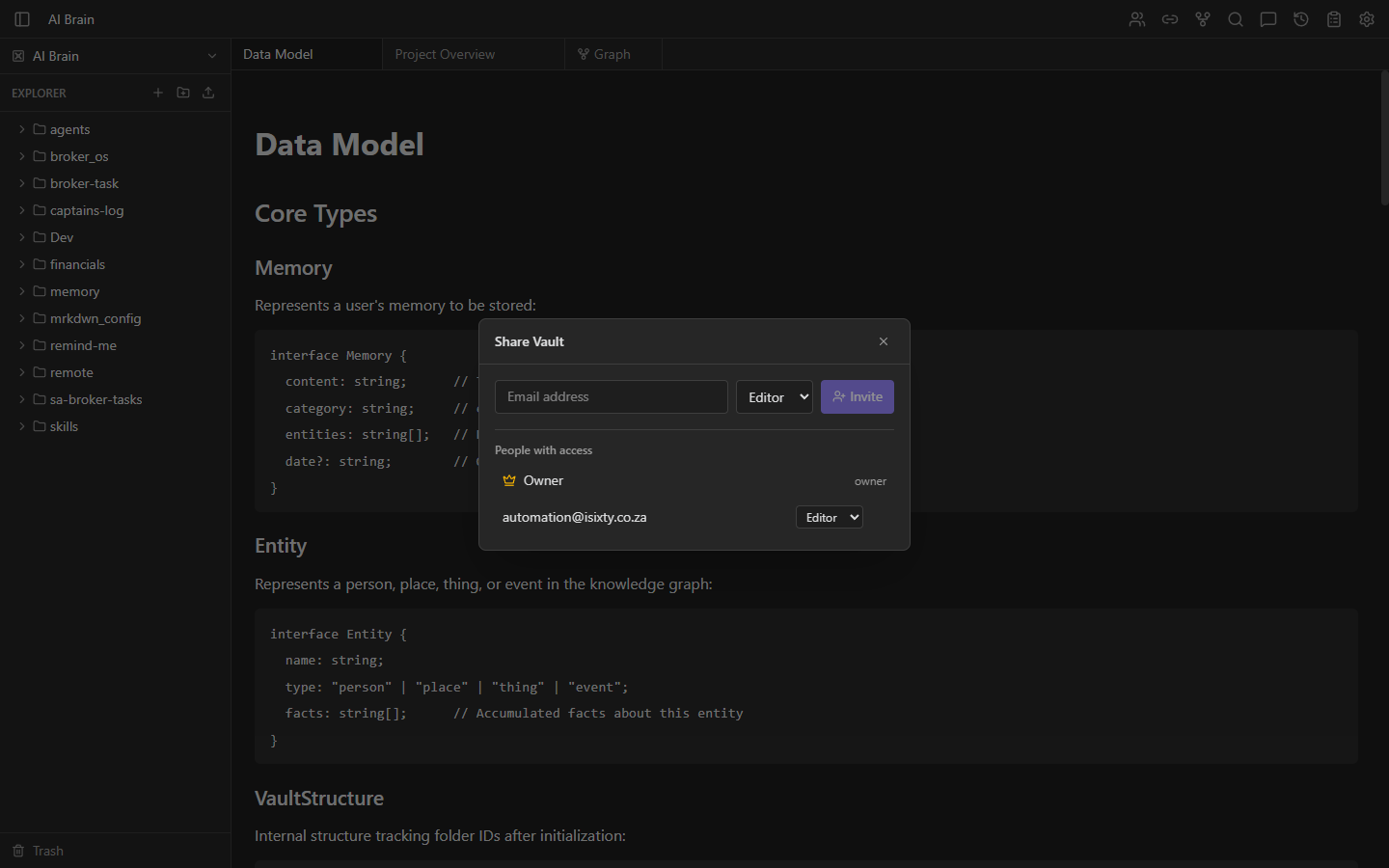
Collaborate with your team
Invite collaborators by email with Owner, Editor, or Viewer roles. Editors get full CRUD access; viewers see everything read-only. Shared vaults appear in a dedicated section with role badges throughout the UI.
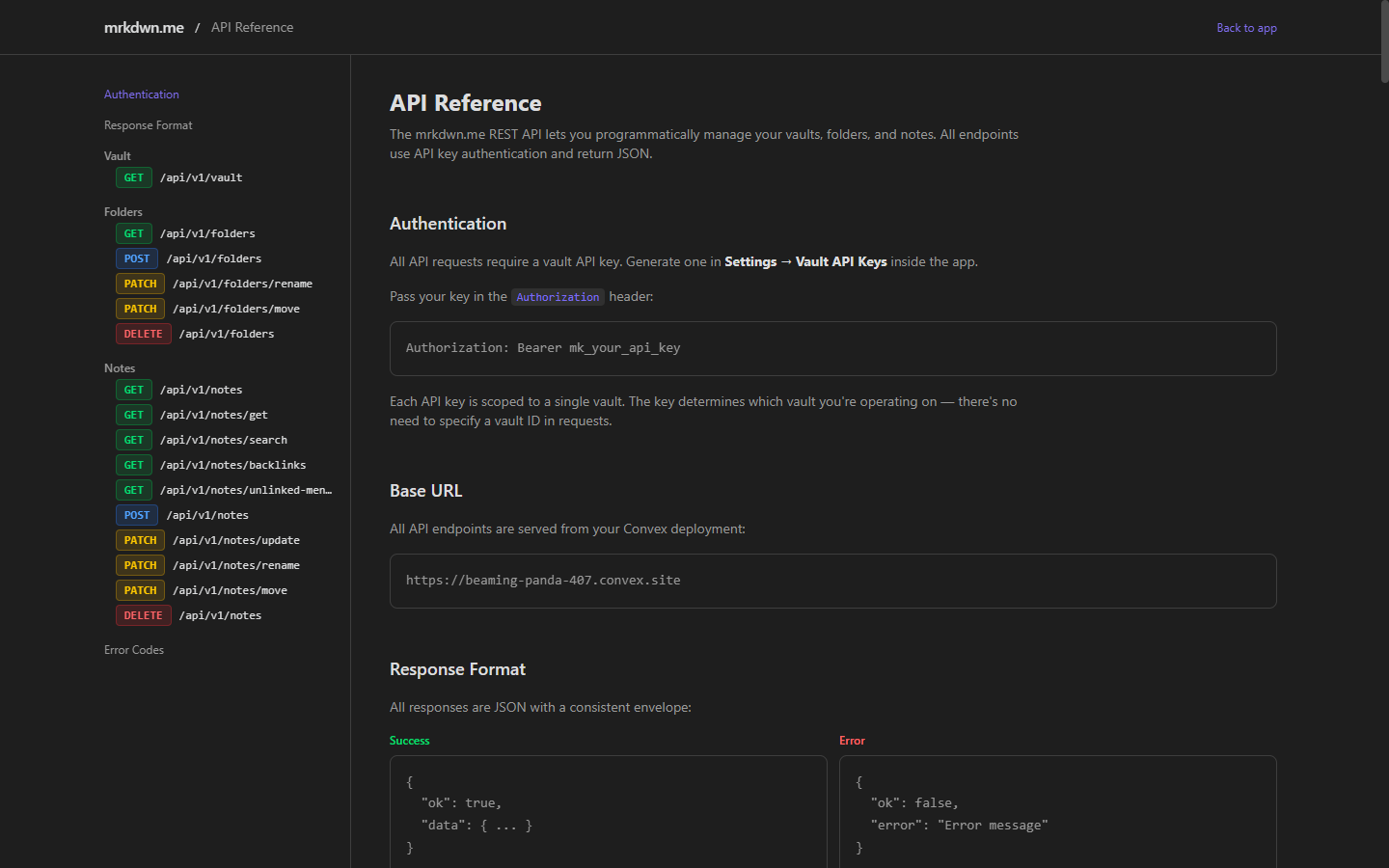
Build on top of your vault
Full CRUD REST API at /api/v1/ with interactive documentation. Generate per-vault API keys for authentication. Connect Claude Code or Claude Desktop via the MCP server for AI-powered workflows.
And so much more
Shipped fast
From zero to full-featured knowledge platform in under three weeks. Here's what we've built.
- Multi-vault system with Clerk auth
- CodeMirror 6 markdown editor
- Wiki links, backlinks & autocomplete
- File explorer with drag-and-drop
- Search & command palette
- Tabbed workspace layout
- Real-time sync via Convex
- Interactive knowledge graph
- Import Obsidian vaults (ZIP)
- Download vault as ZIP
- Preview / edit mode toggle
- Vault switcher
- AI onboarding wizard
- AI chat edit mode with diff preview
- PDF export for single notes
- Markdown file upload
- Public REST API v1 (full CRUD)
- Per-vault API key auth
- MCP server for Claude Code / Desktop
- OpenRouter API key settings
- Interactive API documentation page
- Delete confirmation dialogs
- Drag-and-drop cycle prevention
- Alphabetical file explorer sorting
- Multi-user vault sharing (Owner/Editor/Viewer)
- Link preview popup on wiki link hover
- Markdown rendering in chat messages
- Concise chat responses with wiki links
- Chat endpoint security hardening
- Audit log with user attribution
- Note version history & restore
- Soft delete & trash (5-year retention)
- Audit + versioning for REST API / MCP
Get started in three simple steps
Sign Up
Create your free account in seconds. No credit card required.
Create or Import
Start a new vault from scratch or import your existing Obsidian vault with one click.
Write & Connect
Write notes, link ideas with wiki links, and let AI help you discover insights across your knowledge.
Free until May 4th, 2026
Sign up now and get full access to everything. No credit card required. This offer will be removed soon.
- Unlimited vaults & notes
- Markdown editor with live preview
- Wiki links, backlinks & graph
- AI Chat & edit mode (Claude)
- Vault sharing & collaboration
- Version history & audit log
- Trash with 5-year retention
- REST API & MCP Server
- Import from Obsidian / export as ZIP & PDF
- Real-time sync across devices
Start building your second brain today.
Free until May 4th, 2026. No credit card required. Your notes, your way.